> ## Documentation Index
> Fetch the complete documentation index at: https://developers.debounce.com/llms.txt
> Use this file to discover all available pages before exploring further.
# Logo API
> Free company logo lookup service
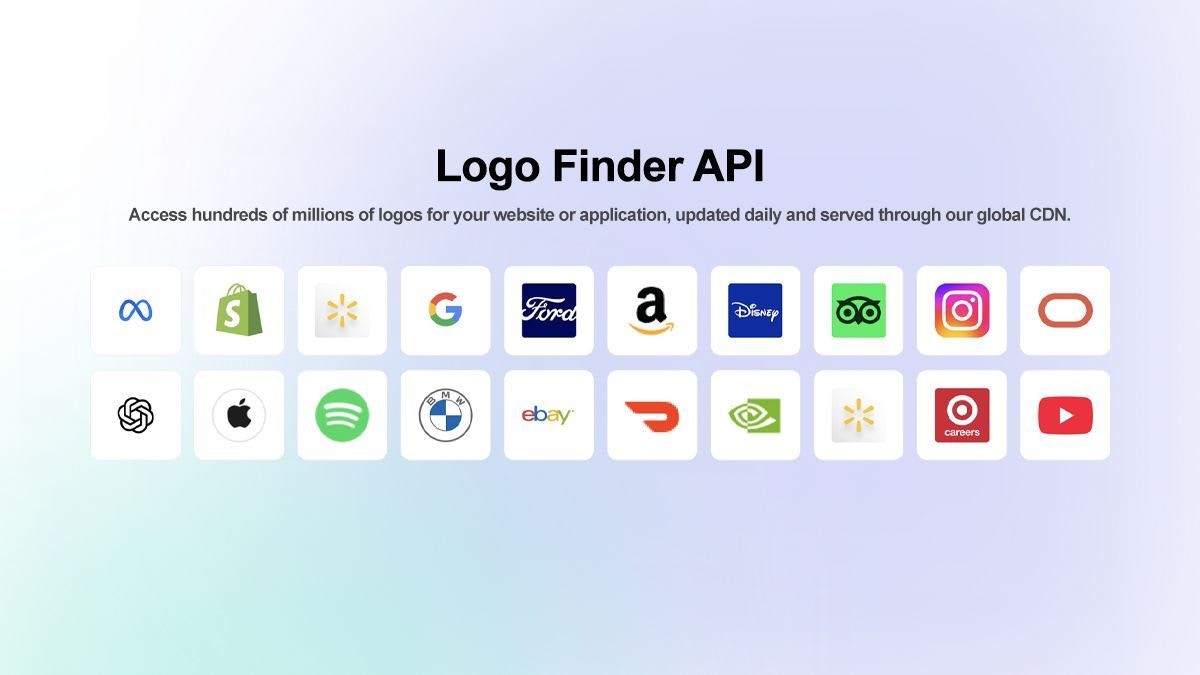
The Logo API provides instant access to company logos by domain name. This **completely free** service serves as a drop-in replacement for the deprecated Clearbit Logo API and delivers high-quality logos through our global CDN.
You can see more logo demos in action by clicking here.
## What this API Provides
* **High-quality PNG logos** for millions of companies
* **Automatic fallback** to clean monograms when logos aren't available
* **Daily updates** to reflect rebranding and domain changes
* **Production-ready** for high-traffic applications
* **No attribution required** - use logos freely in your applications
## Use Cases
* **Onboarding flows** - Display company logos during user registration
* **Job boards** - Show employer logos in listings
* **Financial dashboards** - Enhance account views with brand logos
* **Internal tools** - Add visual context to company data
* **CRM systems** - Enrich contact records with company branding
***
## API Endpoint
```
GET https://logo.debounce.com/{domain}
```
Replace `{domain}` with the company domain you want to retrieve a logo for.
### Example Requests
**Get Google's logo:**
```
GET https://logo.debounce.com/google.com
```
**Get Apple's logo:**
```
GET https://logo.debounce.com/apple.com
```
**Get Microsoft's logo:**
```
GET https://logo.debounce.com/microsoft.com
```
***
## Response Format
The API returns logo images directly in PNG format. If a logo is found, you'll receive the high-quality company logo. If no logo is available, a clean grey monogram placeholder will be returned instead.
### Successful Response
* **Content-Type:** `image/png`
* **Status Code:** `200 OK`
* **Image Size:** `128x128px` (square format)
* **Body:** PNG image data
### Visual Example
Here's what the Google logo looks like when fetched from the API:
### Example Usage in HTML
```html theme={null}
```
### Example Usage in JavaScript
```javascript theme={null}
// Simple image loading
const img = new Image();
img.onload = () => console.log('Logo loaded successfully');
img.onerror = () => console.log('Logo failed to load');
img.src = 'https://logo.debounce.com/google.com';
// React component example
function CompanyLogo({ domain, size = 128 }) {
return (
{
// Optional: handle fallback locally
e.target.style.display = 'none';
}}
/>
);
}
```
***
## Rate Limiting
The free Logo API includes rate limits for fair usage:
* **Request frequency** limits apply
* **Daily usage** quotas may apply during peak usage
These limits are designed to prevent abuse while allowing normal production usage. High-traffic applications should consider caching logos locally.
***
## Best Practices
**Caching Recommendations:**
Store logos locally or in your CDN to reduce API calls and improve performance. Logos are updated daily, so refresh your cache periodically.
**Error Handling:**
Always implement proper error handling. While the API provides fallbacks, network issues can still occur.
**Image Optimization:**
Consider resizing logos on your end for consistent display across your application.
***
## Migration from Clearbit
If you're migrating from Clearbit Logo API, the transition is simple:
**Before (Clearbit):**
```
https://logo.clearbit.com/{domain}
```
**After (DeBounce):**
```
https://logo.debounce.com/{domain}
```
No other changes to your implementation are required. The DeBounce Logo API maintains the same simple interface while being completely free and actively maintained.
***
## Supported Formats
* **PNG format** - High-quality, scalable logos
* **Automatic fallback** - Clean monograms for missing logos
* **Consistent sizing** - All logos delivered at 128x128px (square format)
The API automatically handles logo discovery, formatting, and delivery, making integration effortless for developers.
 ## What this API Provides
* **High-quality PNG logos** for millions of companies
* **Automatic fallback** to clean monograms when logos aren't available
* **Daily updates** to reflect rebranding and domain changes
* **Production-ready** for high-traffic applications
* **No attribution required** - use logos freely in your applications
## Use Cases
* **Onboarding flows** - Display company logos during user registration
* **Job boards** - Show employer logos in listings
* **Financial dashboards** - Enhance account views with brand logos
* **Internal tools** - Add visual context to company data
* **CRM systems** - Enrich contact records with company branding
***
## API Endpoint
```
GET https://logo.debounce.com/{domain}
```
Replace `{domain}` with the company domain you want to retrieve a logo for.
### Example Requests
**Get Google's logo:**
```
GET https://logo.debounce.com/google.com
```
**Get Apple's logo:**
```
GET https://logo.debounce.com/apple.com
```
**Get Microsoft's logo:**
```
GET https://logo.debounce.com/microsoft.com
```
***
## Response Format
The API returns logo images directly in PNG format. If a logo is found, you'll receive the high-quality company logo. If no logo is available, a clean grey monogram placeholder will be returned instead.
### Successful Response
* **Content-Type:** `image/png`
* **Status Code:** `200 OK`
* **Image Size:** `128x128px` (square format)
* **Body:** PNG image data
### Visual Example
Here's what the Google logo looks like when fetched from the API:
## What this API Provides
* **High-quality PNG logos** for millions of companies
* **Automatic fallback** to clean monograms when logos aren't available
* **Daily updates** to reflect rebranding and domain changes
* **Production-ready** for high-traffic applications
* **No attribution required** - use logos freely in your applications
## Use Cases
* **Onboarding flows** - Display company logos during user registration
* **Job boards** - Show employer logos in listings
* **Financial dashboards** - Enhance account views with brand logos
* **Internal tools** - Add visual context to company data
* **CRM systems** - Enrich contact records with company branding
***
## API Endpoint
```
GET https://logo.debounce.com/{domain}
```
Replace `{domain}` with the company domain you want to retrieve a logo for.
### Example Requests
**Get Google's logo:**
```
GET https://logo.debounce.com/google.com
```
**Get Apple's logo:**
```
GET https://logo.debounce.com/apple.com
```
**Get Microsoft's logo:**
```
GET https://logo.debounce.com/microsoft.com
```
***
## Response Format
The API returns logo images directly in PNG format. If a logo is found, you'll receive the high-quality company logo. If no logo is available, a clean grey monogram placeholder will be returned instead.
### Successful Response
* **Content-Type:** `image/png`
* **Status Code:** `200 OK`
* **Image Size:** `128x128px` (square format)
* **Body:** PNG image data
### Visual Example
Here's what the Google logo looks like when fetched from the API: